Welcome to
How to set up News Trader Pro, then read the news the way the app does, on a real day: US CPI, Tuesday, November 10.
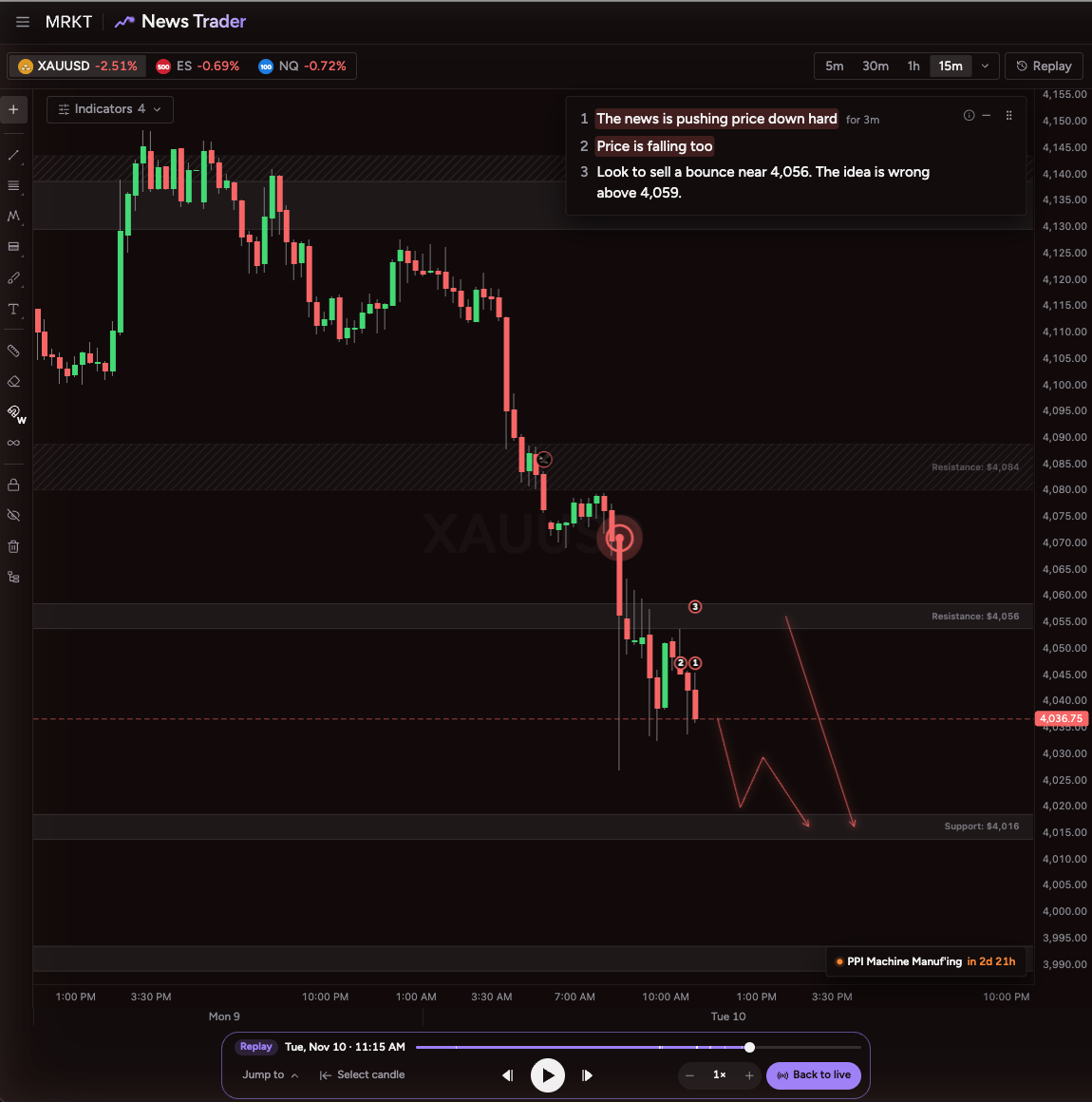
Pick the market you trade
- 1. Press a market tab at the top left of the chart, for example XAUUSD
- The chart, the news, the heat map and the 1, 2, 3 change to that market
- 2. Pick a timeframe, for example 15m. The arrow shows more
 12
 1
 2
Watch the news as it lands
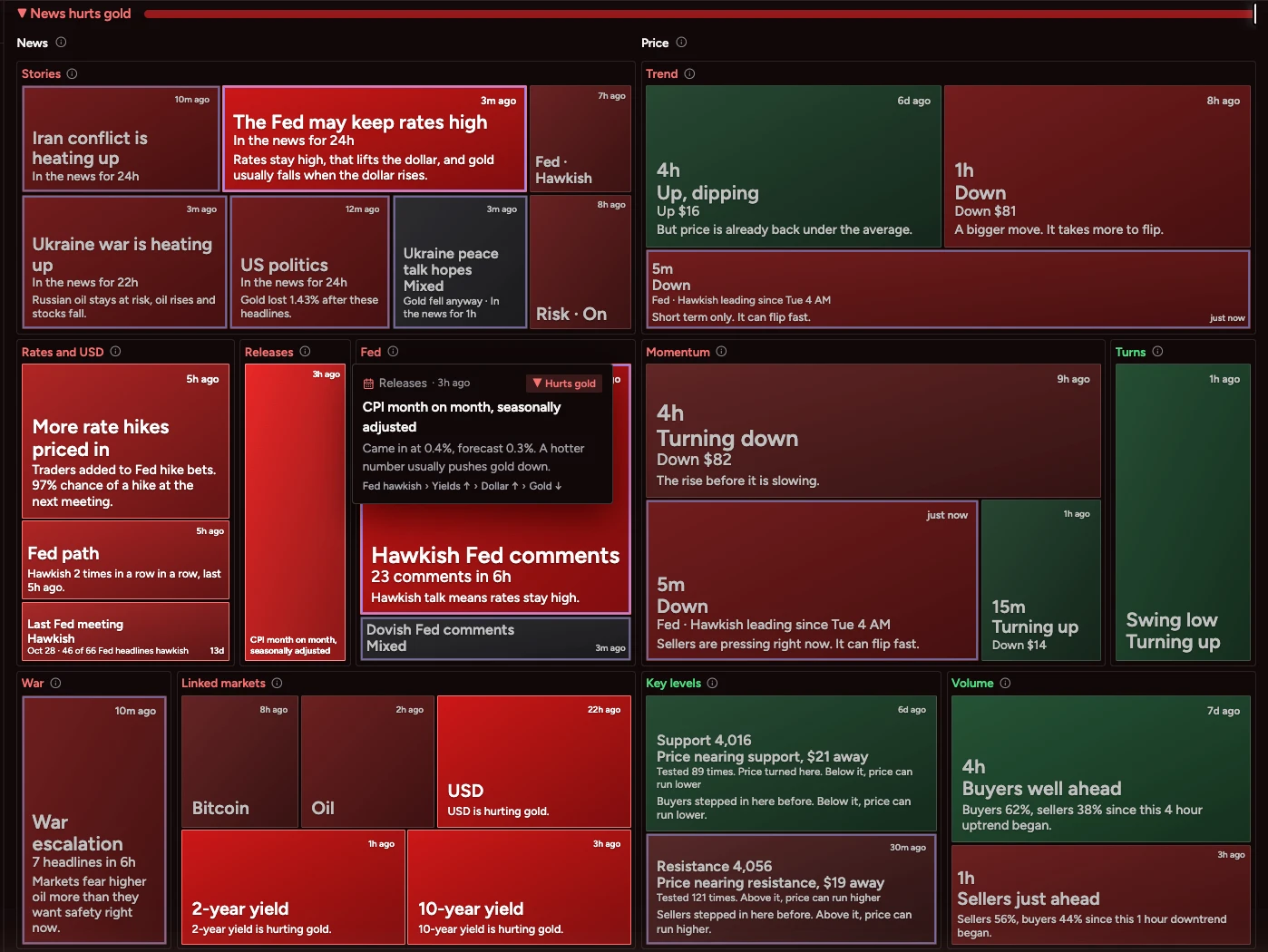
- Each headline lands in plain English, the second it hits
- Red tags hurt your market. Green tags help it
- US CPI came in hot, so both tags went red: Hawkish Fed comments and Dollar rising


Read a headline in three seconds
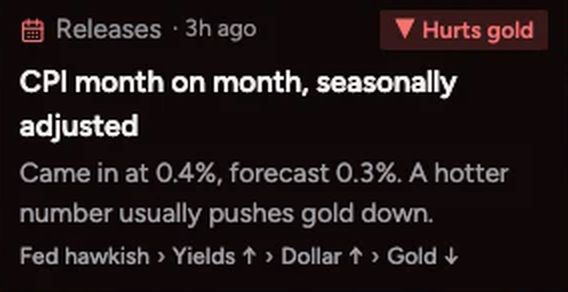
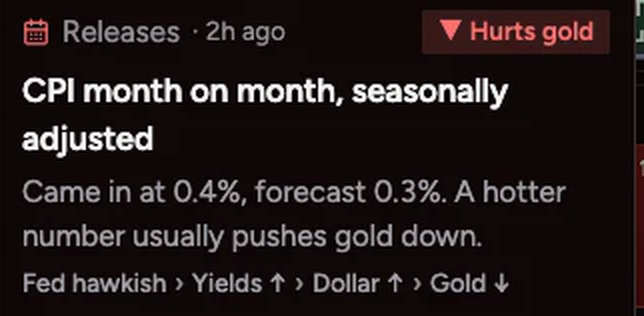
- 1. Point at a box to read it. CPI came in at 0.4% against a 0.3% forecast: Hurts gold
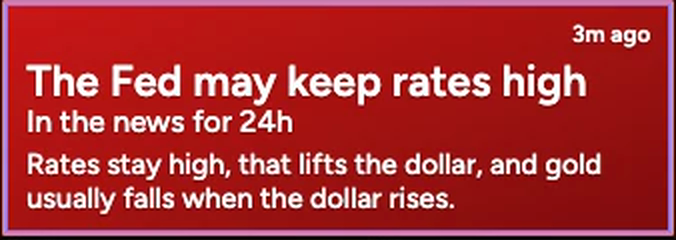
- 2. The bigger the box, the more weight it carries now: The Fed may keep rates high
- 3. The bar at the top sums it up: News hurts gold
 3
 2
 1
Know the side before you trade
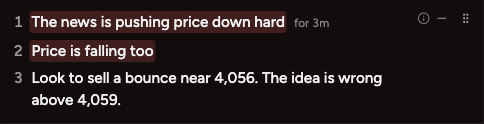
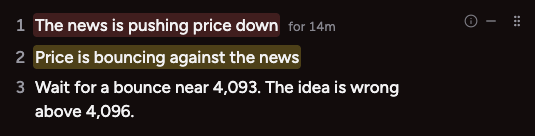
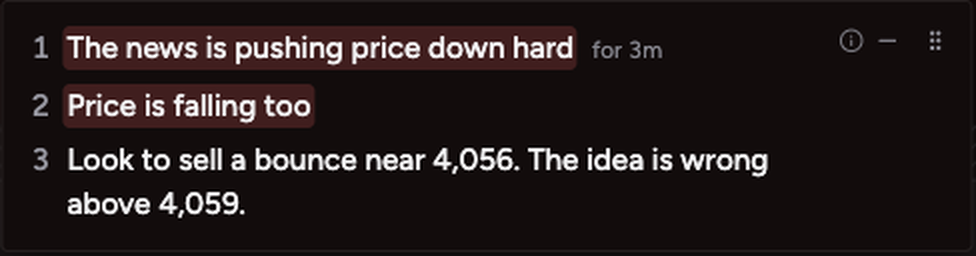
- Line 1 is the news. Red pushes price down, green pushes it up
- Line 2 is the price. Same colour means price agrees. Yellow means price is moving against the news
- Line 3 is what to do, with the price where the idea is wrong
123
 123

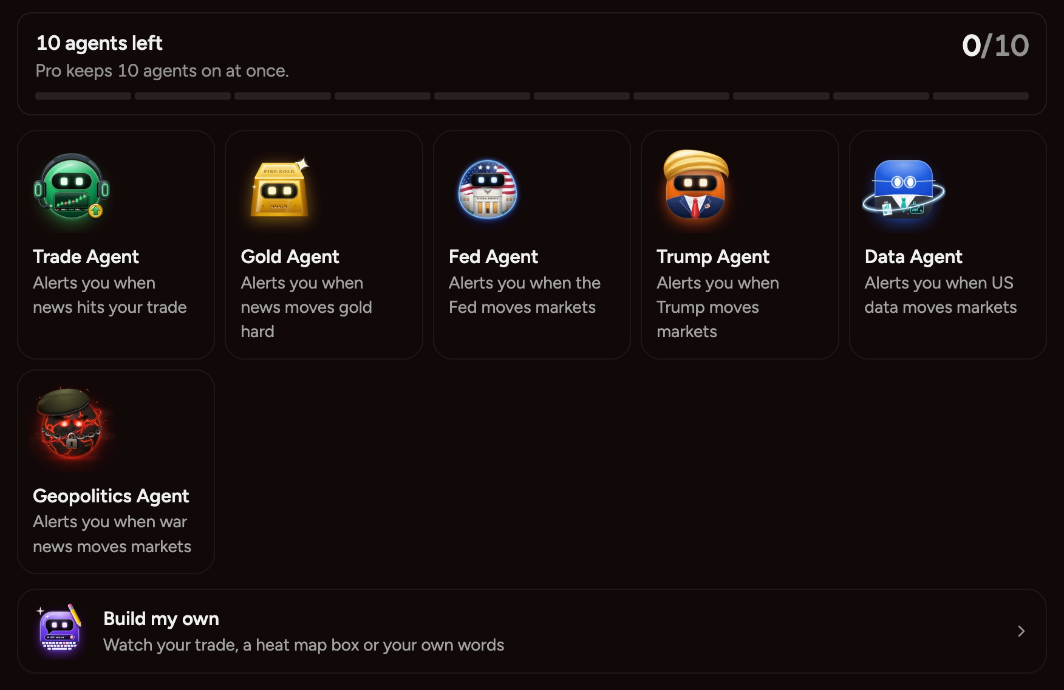
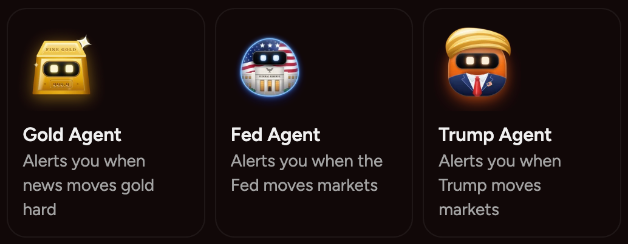
Start your Fed Agent
- Press 24/7 News Agents in the top bar, then New agent
- Press Fed Agent (1), pick where it reaches you, then press Start my agent
- It reads every Fed line, day and night, and alerts you the second one lands

 1
 1
Do not open a new trade less than 15 minutes before a big release.
The release sets the side.
The release sets the side.
Hear the news out loud
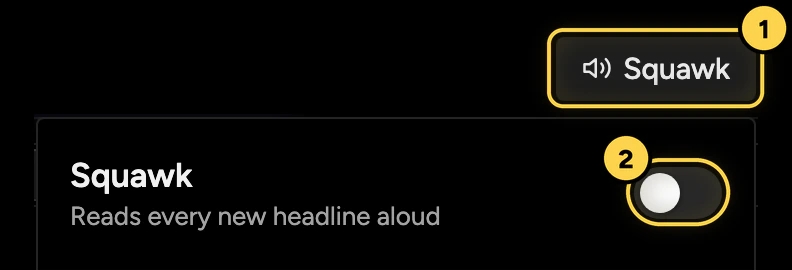
- Press Squawk in the top bar (1), then turn on the switch (2)
- Each new headline is read aloud the second it lands
- Turn on Pause when I leave this tab to keep it quiet in other tabs
Replay CPI day, step by step
- Replay plays a past day again on your chart
- The candles, the headlines, the heat map and the 1, 2, 3 land the way they did
- Use it to practise on a real release before the next one
Step 1
 1
Press Replay at the top right of the chart
1
Step 2
 12
 12
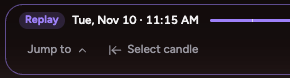
Pick where to start
Press Jump to (1) and pick a release, like CPI. Or press Select candle (2), then press a candle on the chart.
1212
Step 3
12
 1
 2
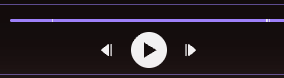
Press Play
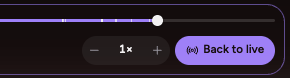
Press Play (1), or step back and forward one candle with the arrows. Change the speed with the minus and plus buttons (2).
1212
Step 4
 3
 1
 2
 4
Watch the day play out
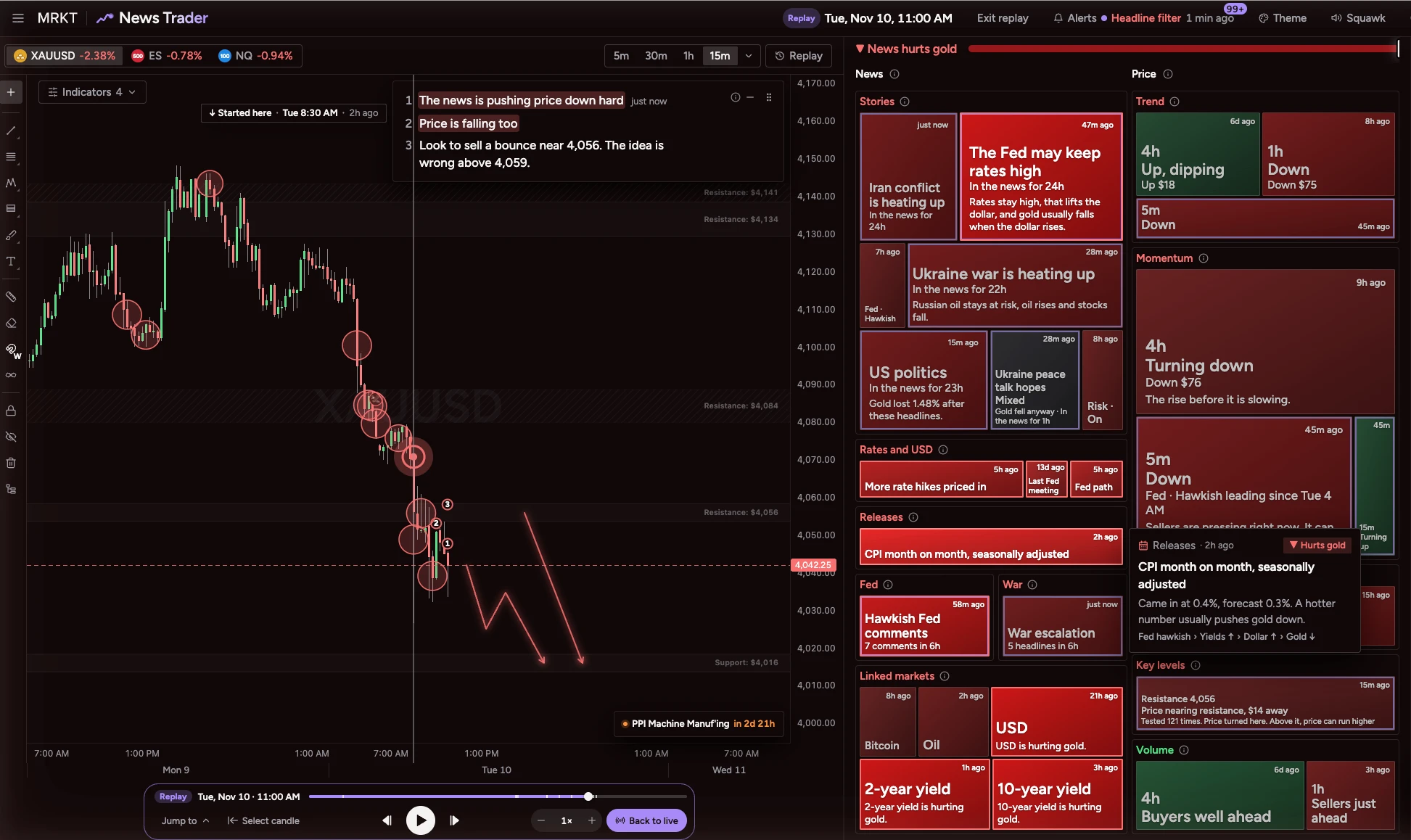
The top bar shows the replay time (1). Started here marks where you began (2). The 1, 2, 3 (3) and the heat map (4) show the news as it was at that moment.
3124
Step 5
1
1
Press Back to live when you are done
11Take the tour and lessons
- Press Cheat sheet in the top bar
- Press Tour and lessons, then Take the tour
- Do the 7 short lessons, starting with News compounds
How to get support
- Press the chat button at the bottom right of MRKT
- Search the Cheat sheet with the / key for any part of the page